
Packages
Courses by vehicle, with fees and days.
Driving schools
Everyone who calls a driving school asks the same four things: how much, how many days, which car, and what do I need for the licence. Creatin Web designs and builds a website that answers them before the call, with a dashboard and an Android app so your office keeps fees and batches current.
Enquiries arrive with the vehicle type and whether the learner already has a licence, so you quote the right course.
The problem
People compare three schools before they visit. The one with a clear fee on its website gets the visit.
Learner's licence, documents, test dates: learners expect the school to explain it, and nothing online does.
Automatic or manual, hatchback or SUV, two-wheelers: the fleet is a selling point that stays in the parking lot.
The solution
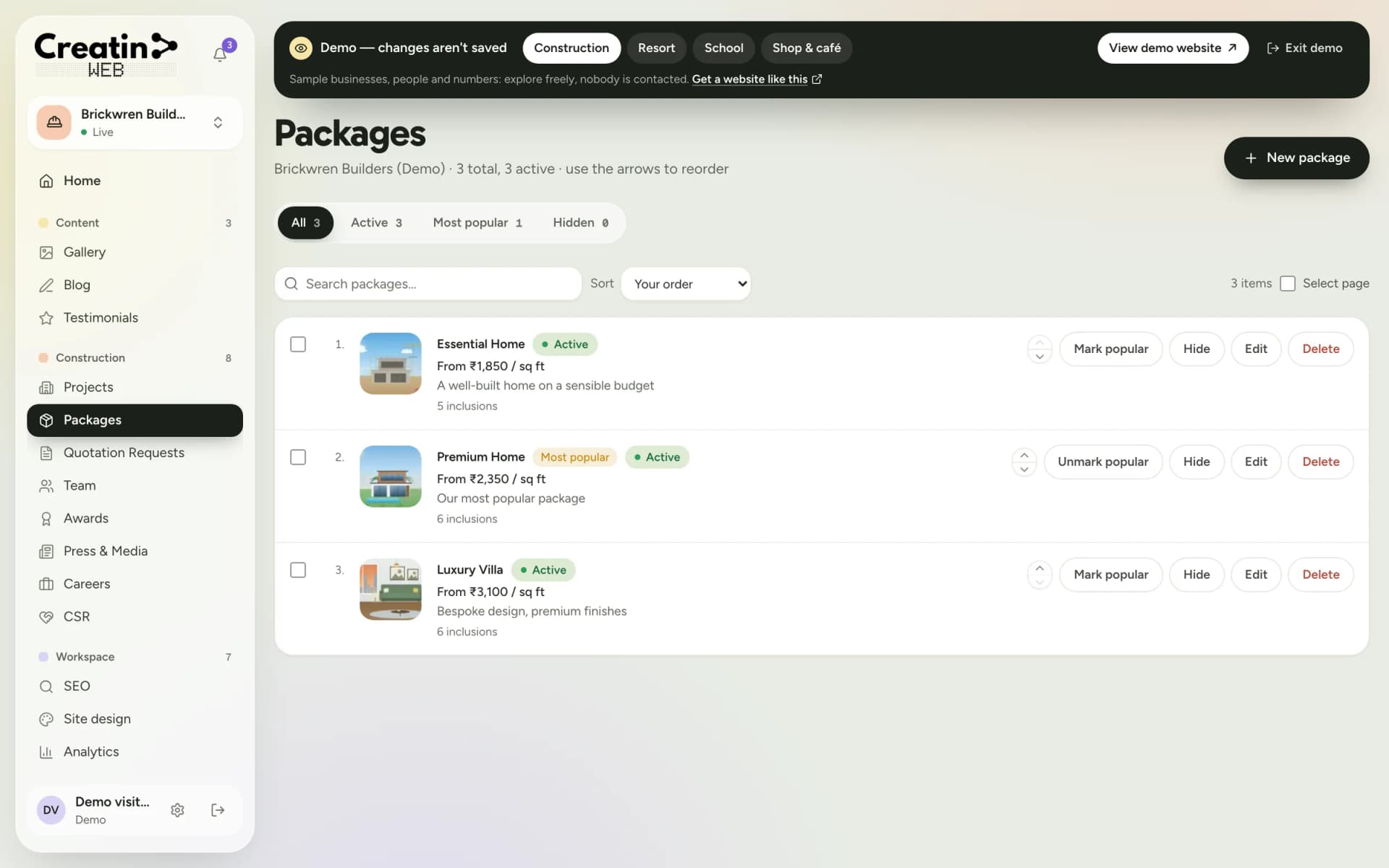
Two-wheeler, car, automatic, refresher and heavy vehicle as packages, each with the number of days, hours per session and the fee.
Documents, the learner's licence, the driving test: written once in your words and kept current when the process changes.
Instructors with experience and languages spoken; the cars and bikes in the gallery.
The form asks for the vehicle, whether the learner has a learner's licence, and preferred timings, with a notification on your phone.
Your sections
Each one is a section of your dashboard and a part of your public website. They are chosen for your business when the site is built; a gallery, a blog, testimonials, SEO controls, analytics and staff accounts come with every site.
Courses by vehicle, with fees and days.
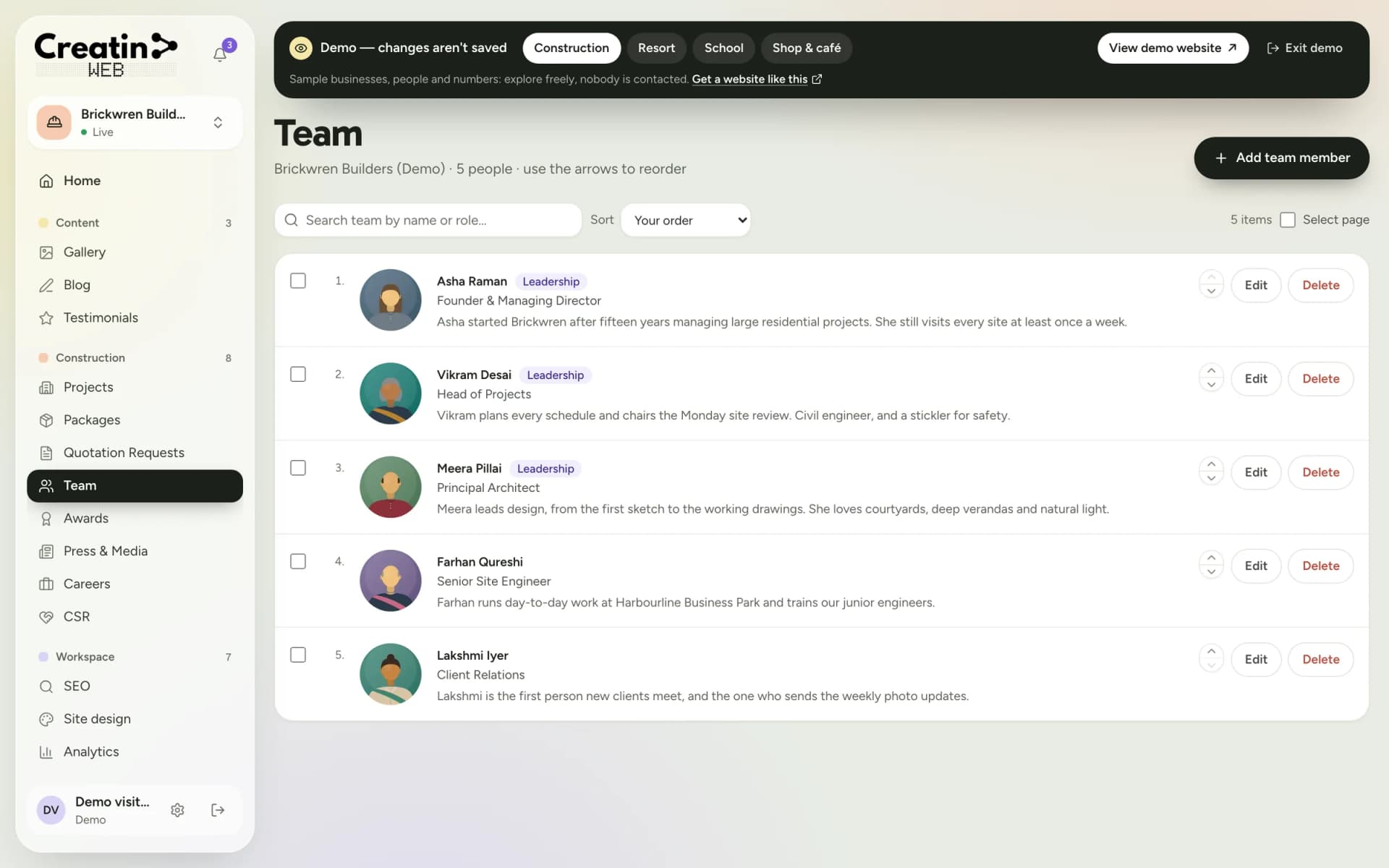
Instructors with experience and languages.
The cars, the bikes, the training ground.
Enquiries with the vehicle and the timing.
RTO steps and tips for the test.
Learners' words and a link to your reviews.
There is no online booking of lesson slots, no licence application and no online payment. The website explains and takes enquiries; your office schedules lessons and collects fees.
See it
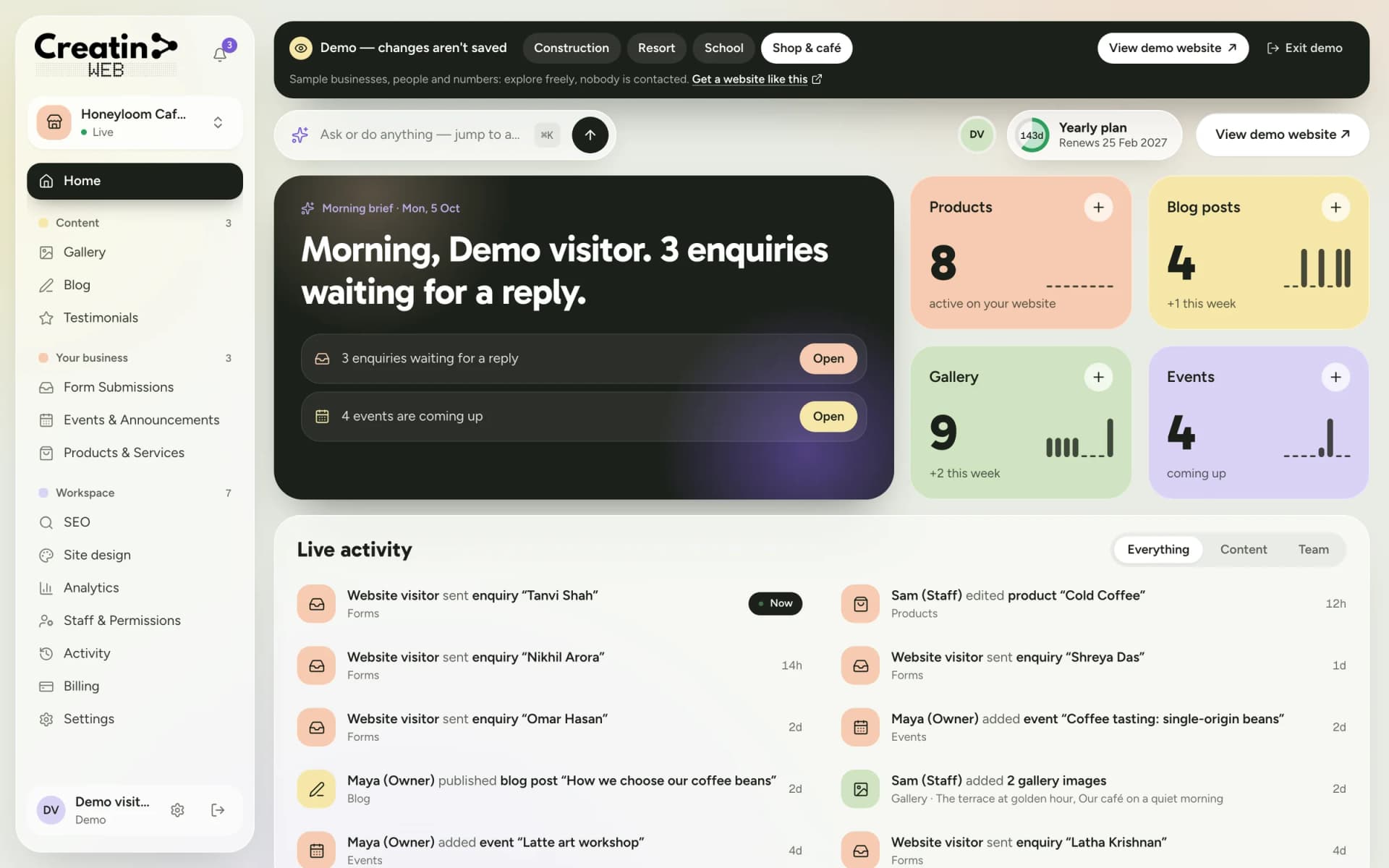
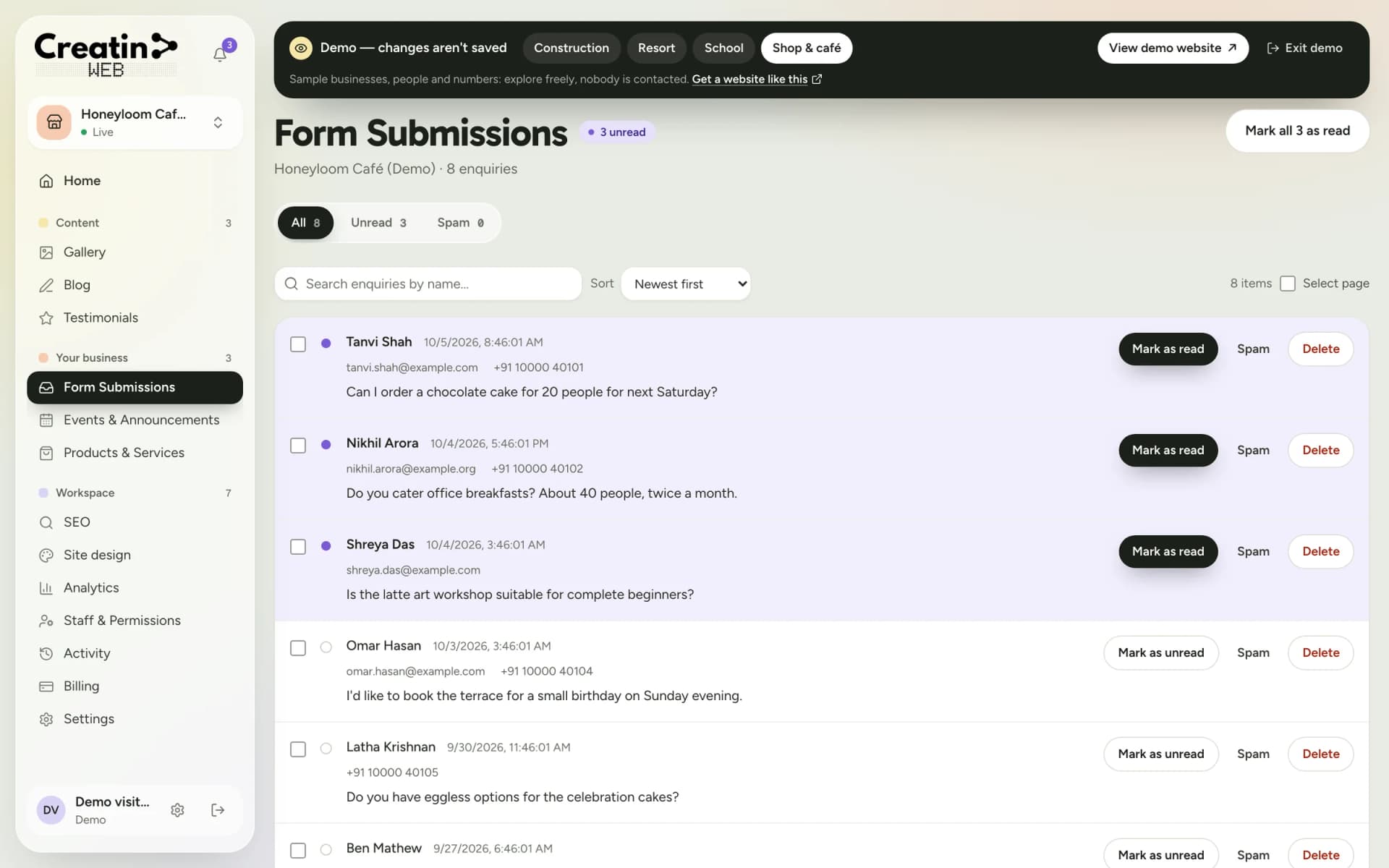
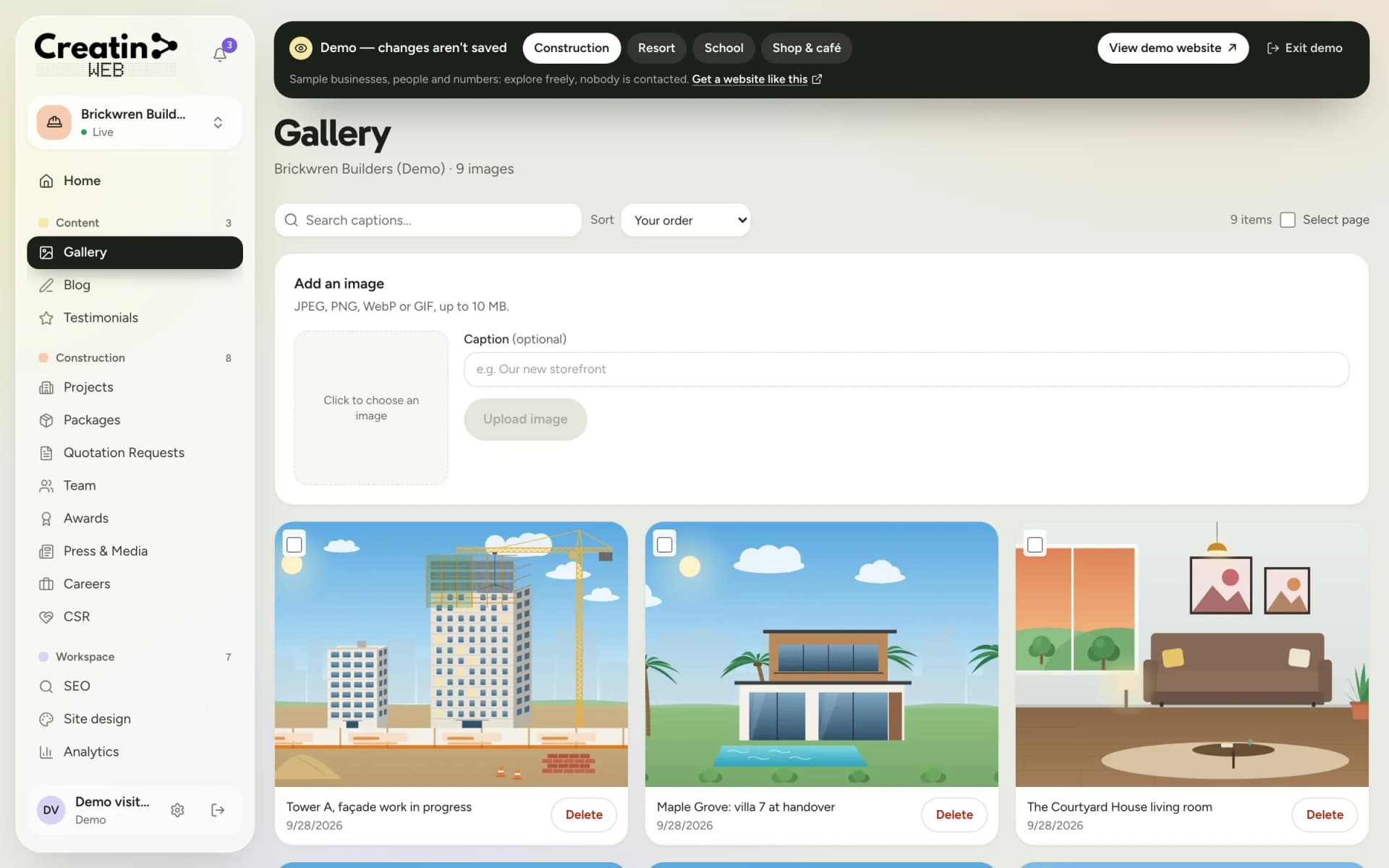
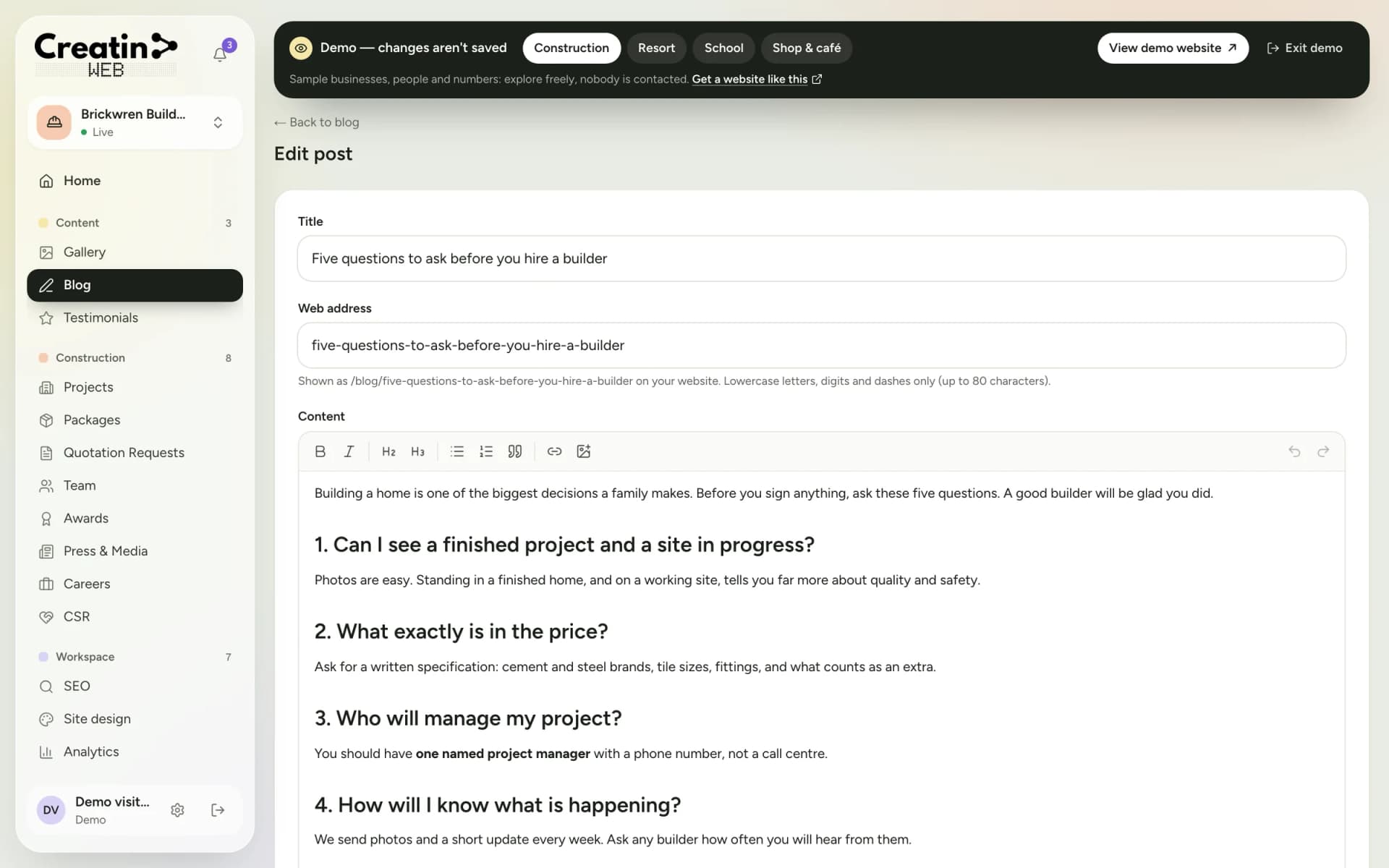
Real screens of the dashboard, filled with sample data. The business in them is not a real one, and not yours; the sections are the ones you would use.
Questions
They tell you preferred timings in the enquiry form; your office schedules the sessions by phone or WhatsApp. There is no live slot calendar.
The website can explain the steps and list the documents in your words. Applications are made through the official portal; the site does not submit anything.
Yes. Courses can be listed per branch with their own fees, and the timings and address of each branch on the page.
Yes. Write the courses and the RTO steps in Kannada, English or both; it is shown as written.
Keep reading
Free consultation
No obligation and no sales script. We listen first, then put a price in writing.