
Packages
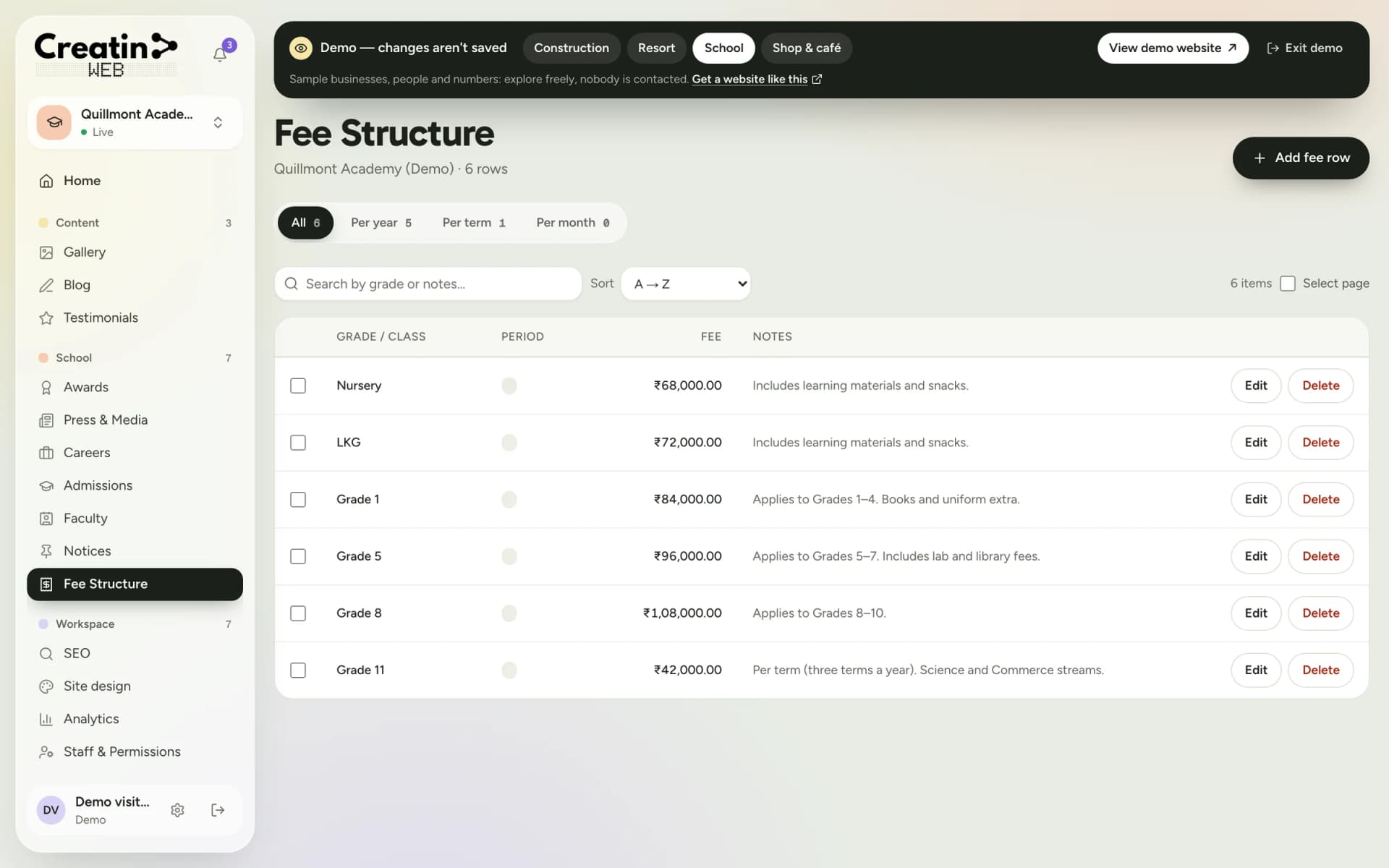
Programmes by age, with timings and fees.
Preschools and daycare centres
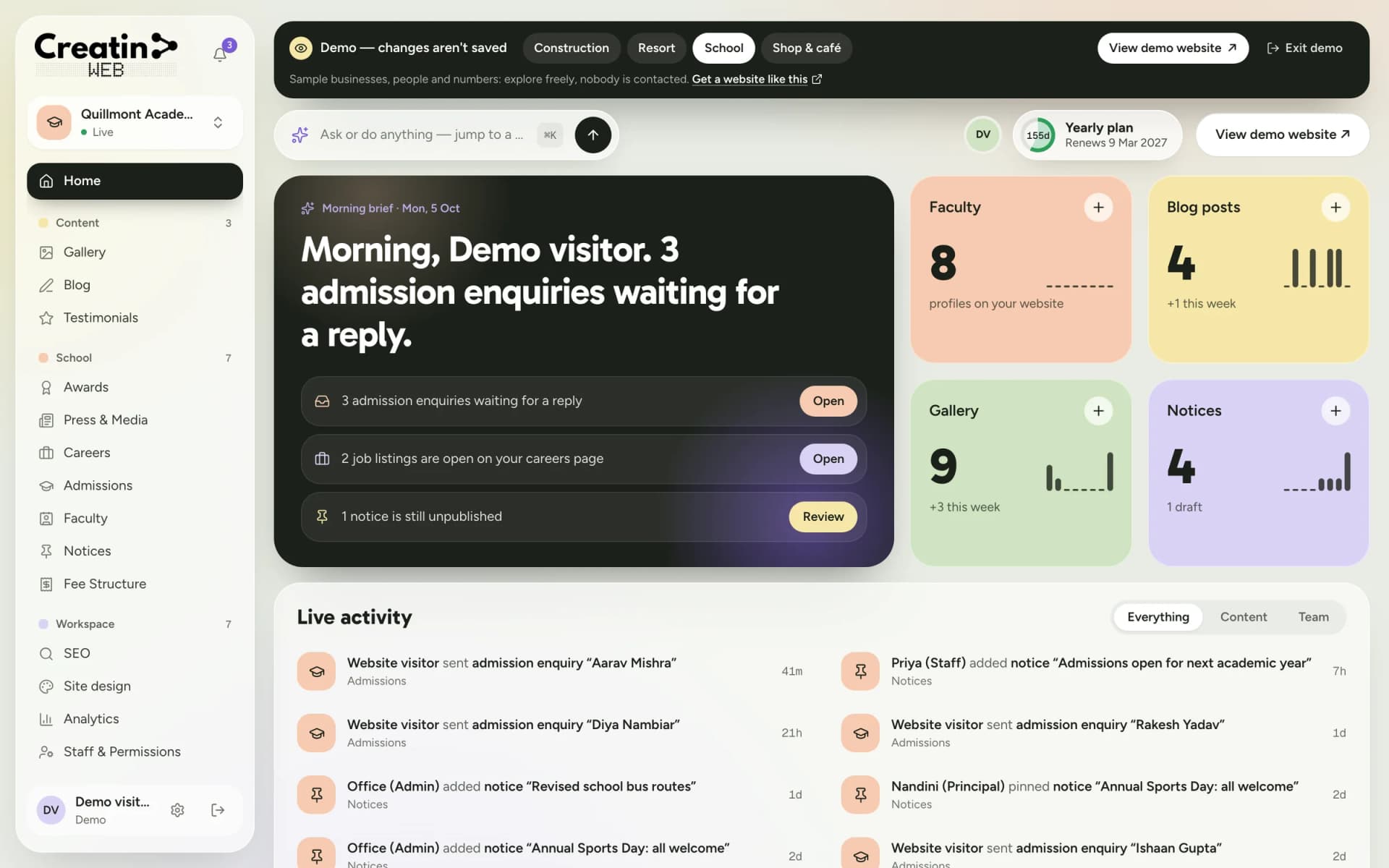
A parent choosing a preschool wants to see the classrooms, meet the teachers, understand the day and know the fees before they call. Creatin Web designs and builds a website that shows all of it, with a dashboard and an Android app so the office posts photos and notices every week.
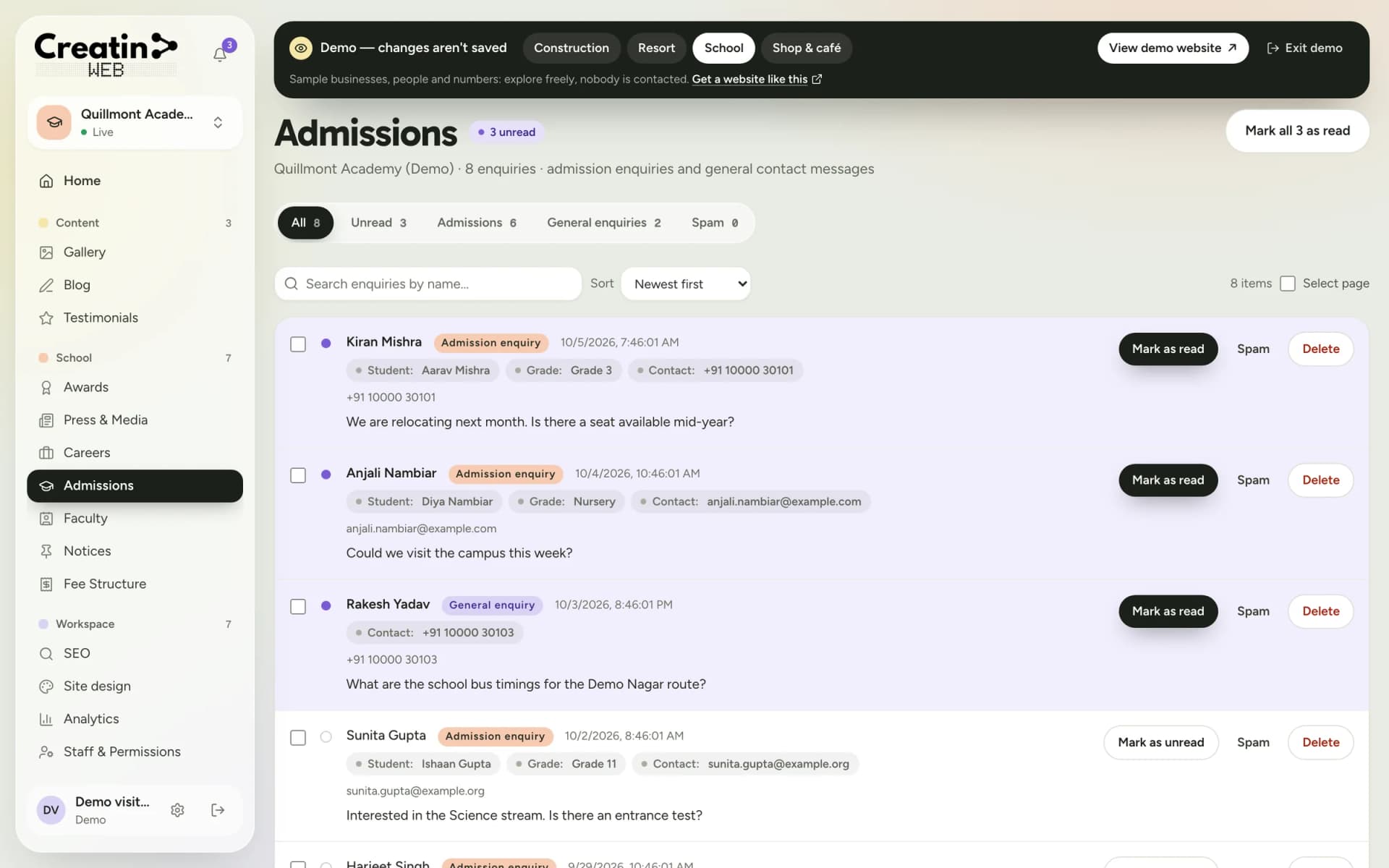
Admission enquiries arrive with the child's age and the programme, so the call back is about a seat, not about the basics.
The problem
Timings, naps, meals, outdoor play: the questions every parent asks at the gate could be answered on the page with photos.
A parent is handing over a three-year-old. Faces, training and experience matter more here than anywhere.
Seats for the new year fill up and the website says nothing, or says 'admissions open' all year.
The solution
Playgroup, nursery, LKG, UKG and daycare as packages: timings, what the day includes, and the fee if you show it.
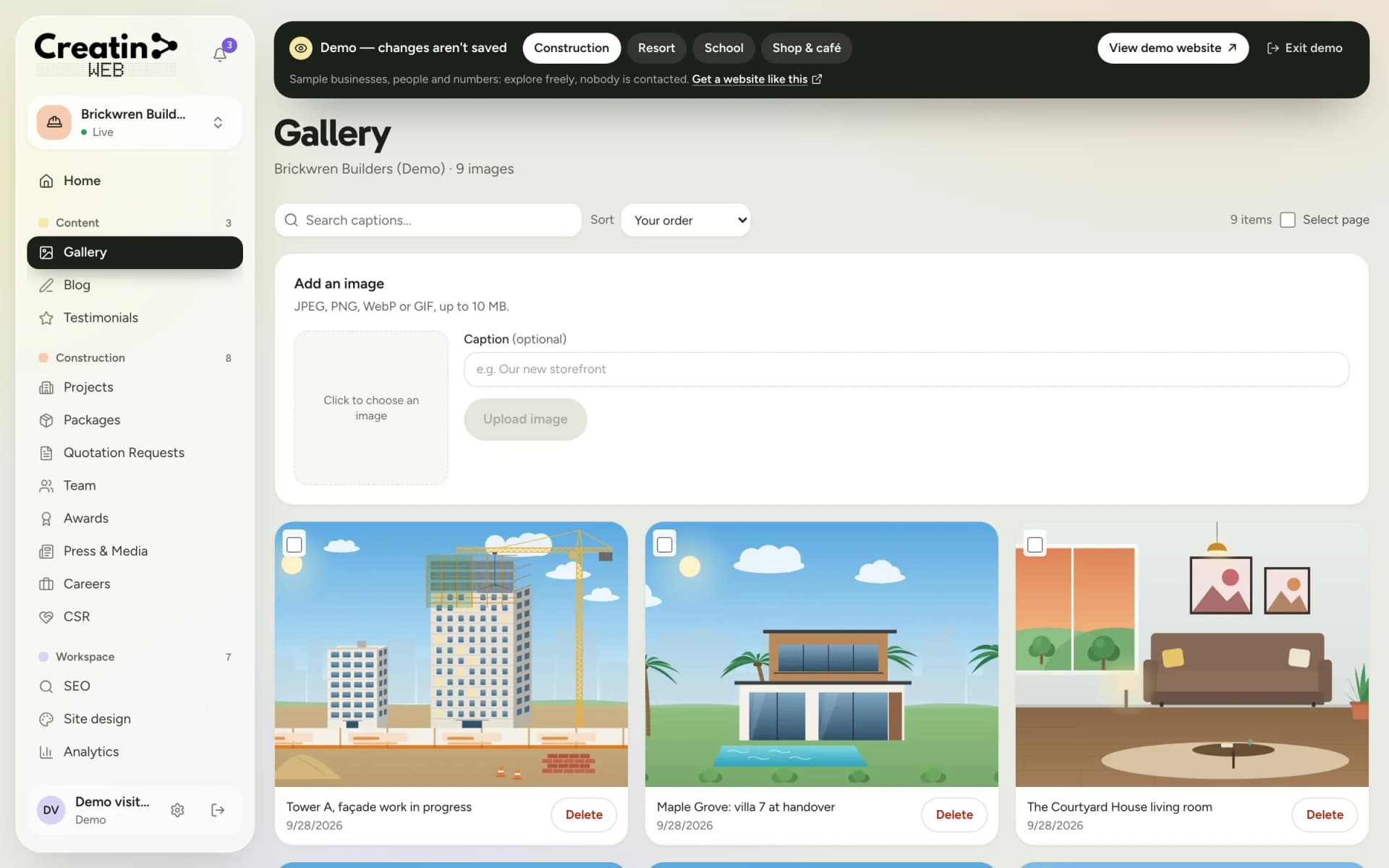
A gallery the office adds to every week: circle time, the garden, the lunch room, the art wall.
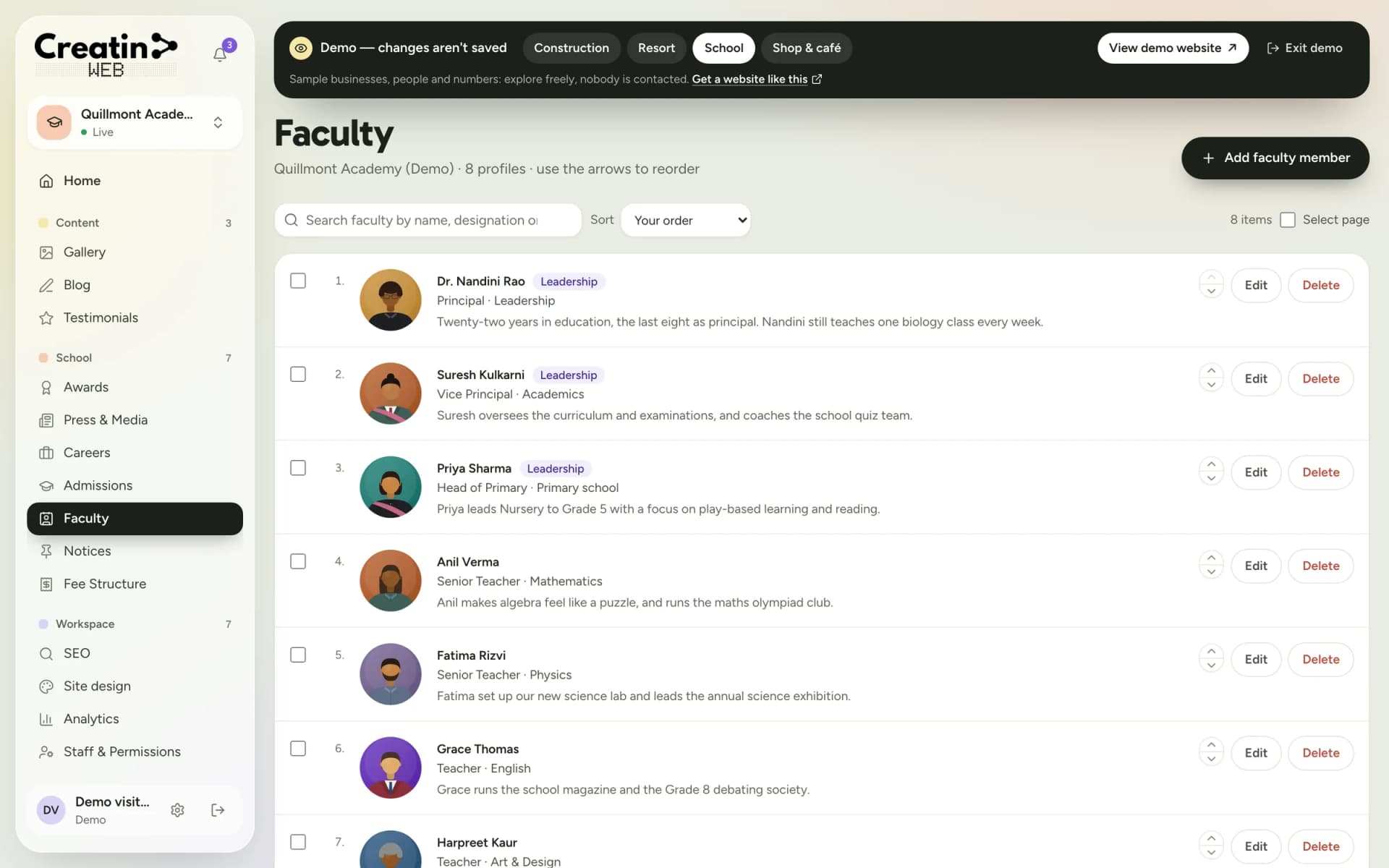
Each teacher with a photo, training and years with you, and the support staff parents will meet.
The admissions form asks for the child's date of birth, the programme and the preferred start, and lands in the inbox with a notification.
Your sections
Each one is a section of your dashboard and a part of your public website. They are chosen for your business when the site is built; a gallery, a blog, testimonials, SEO controls, analytics and staff accounts come with every site.
Programmes by age, with timings and fees.
Enquiries with the child's age and programme.
A day at school, added to weekly.
Teachers and staff profiles.
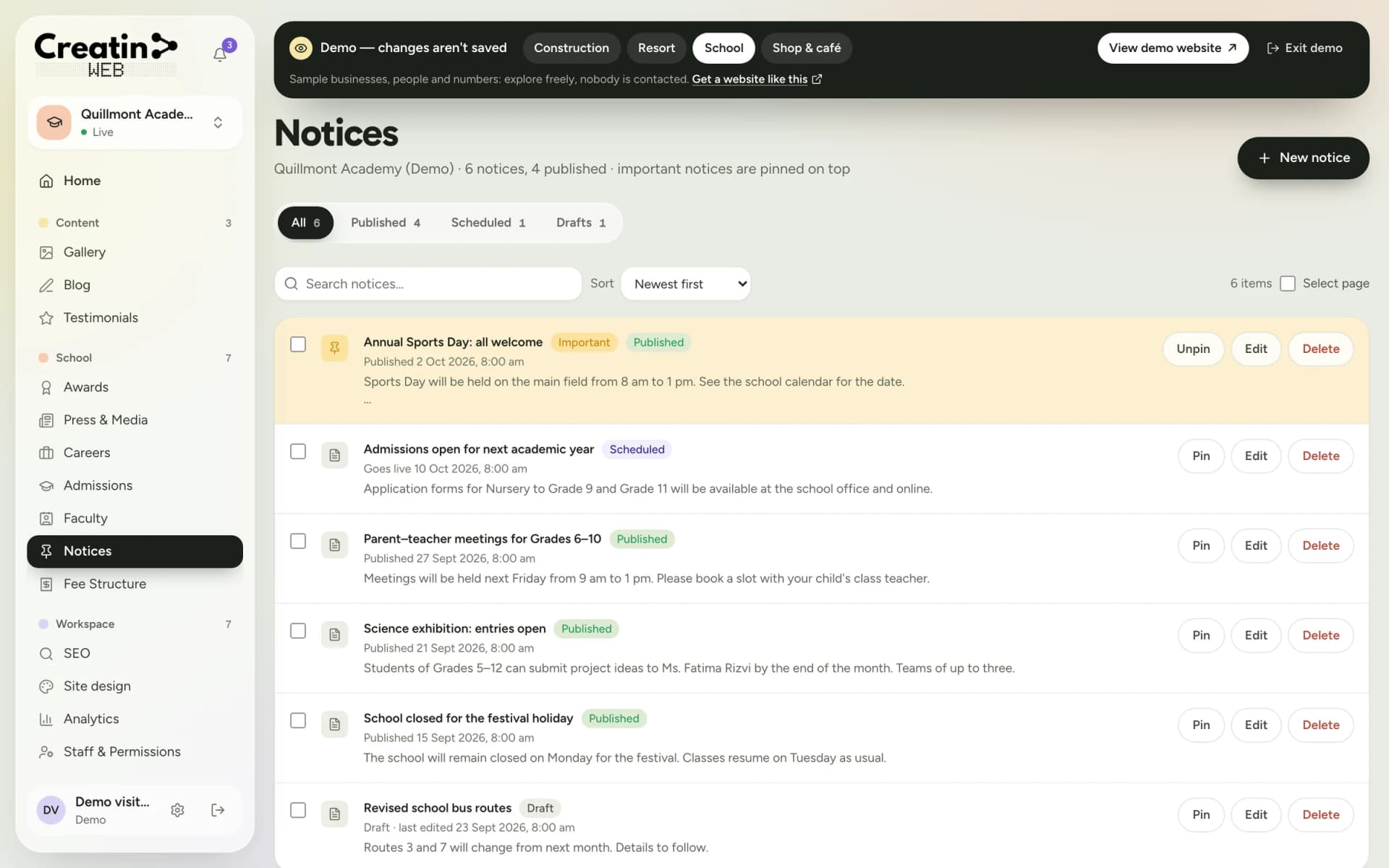
Holidays, events, admission dates.
Annual day, sports day, open house.
There is no parent login, no attendance or daily report system, no online fee payment and no live seat count. The website informs and takes enquiries; the rest runs through your office and your parent groups.
See it
Real screens of the dashboard, filled with sample data. The business in them is not a real one, and not yours; the sections are the ones you would use.
Questions
Yes. Edit the programme's text or add a notice saying so, and the admissions form stays for the waiting list if you want it.
Only what you have parents' permission to publish. Many preschools show the rooms and activities without faces, or with the consent they collect at admission.
No. The website has no parent login. Daily updates stay in the channels you use now; the website shows programmes, notices and the gallery.
Yes. The Android app posts notices, photos and events, and shows admission enquiries with a notification.
Keep reading
Free consultation
No obligation and no sales script. We listen first, then put a price in writing.