
Products & services
Produce by season and grade.
Farmer producer organisations and cooperatives
An FPO has two audiences: buyers who want aggregated produce in quantity, and members who want to know about schemes, prices and meetings. Creatin Web designs and builds a website that serves both, with a dashboard and an Android app the office runs from the village.
Buyer enquiries arrive with the produce, the quantity and the delivery point; members see notices the day they are posted.
The problem
A processor or a retailer looking for a thousand quintals searches online and does not find the FPO that has them.
Subsidies, trainings and meetings are passed by word of mouth across villages.
Registration, the board, the membership and the work done: a funder's first check is the website, and there is none.
The solution
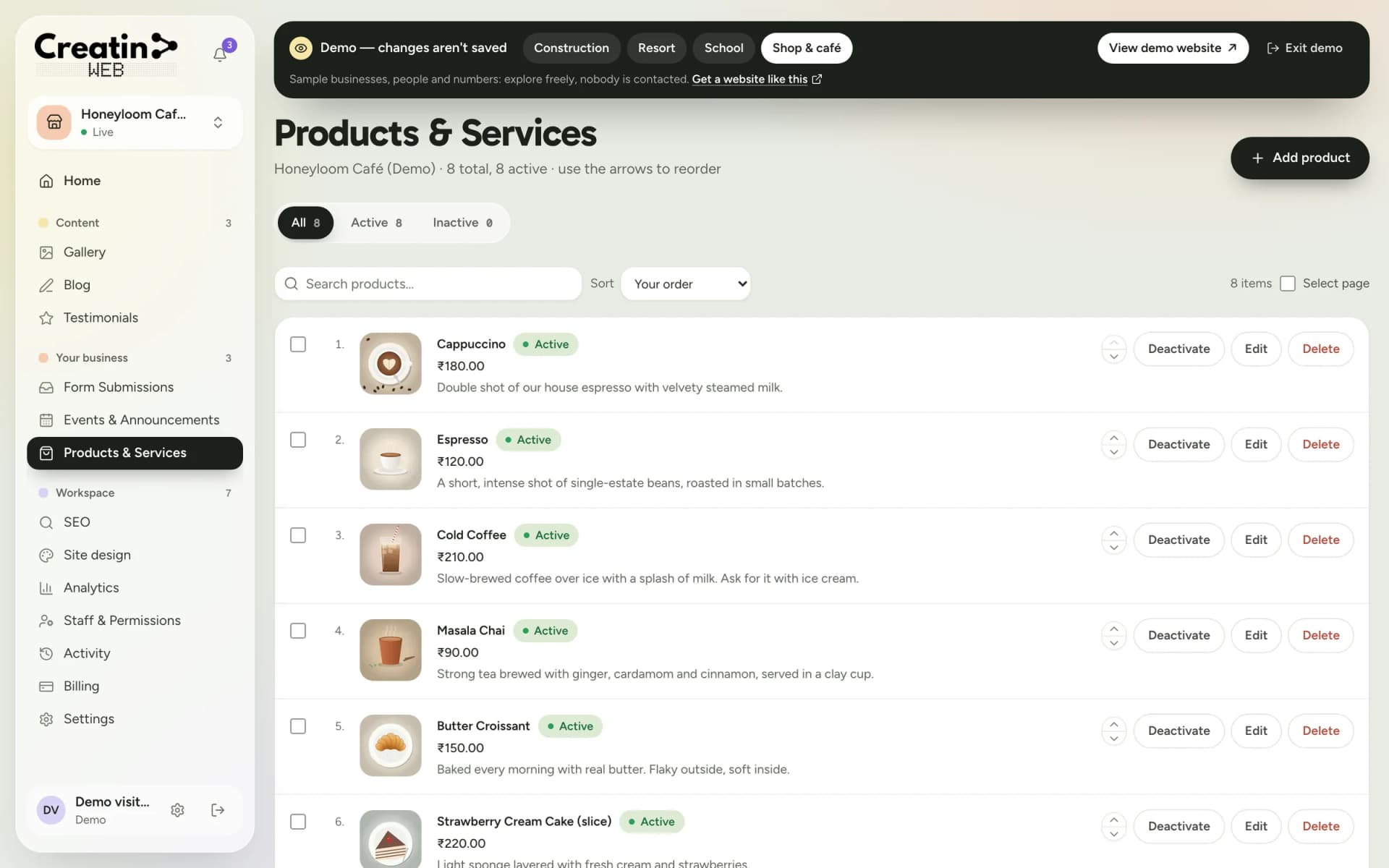
Each crop with the season, the usual aggregated quantity, grades and packing, updated by the office.
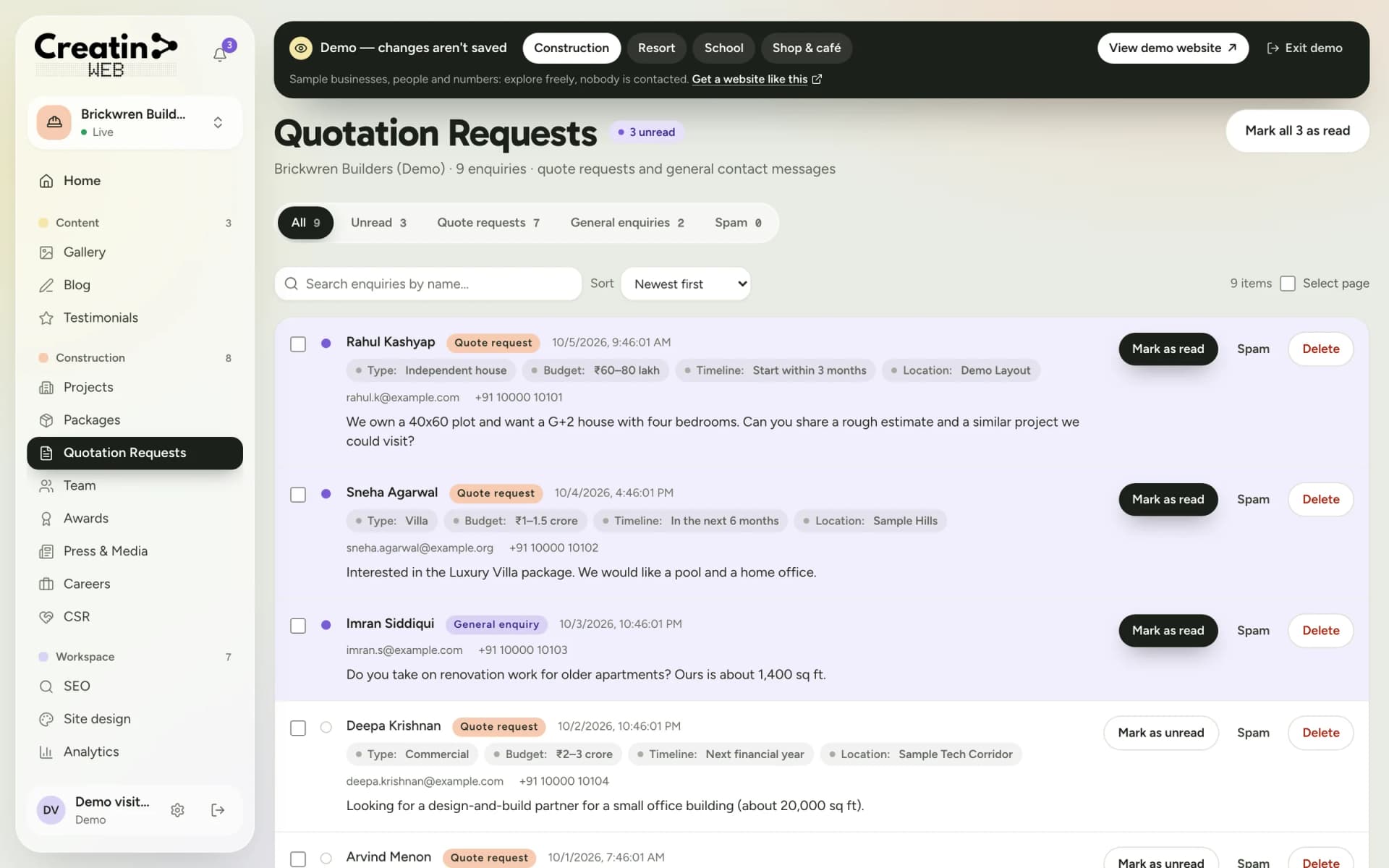
The quotation form asks for the produce, the quantity, the grade and the delivery point, with a notification on the CEO's phone.
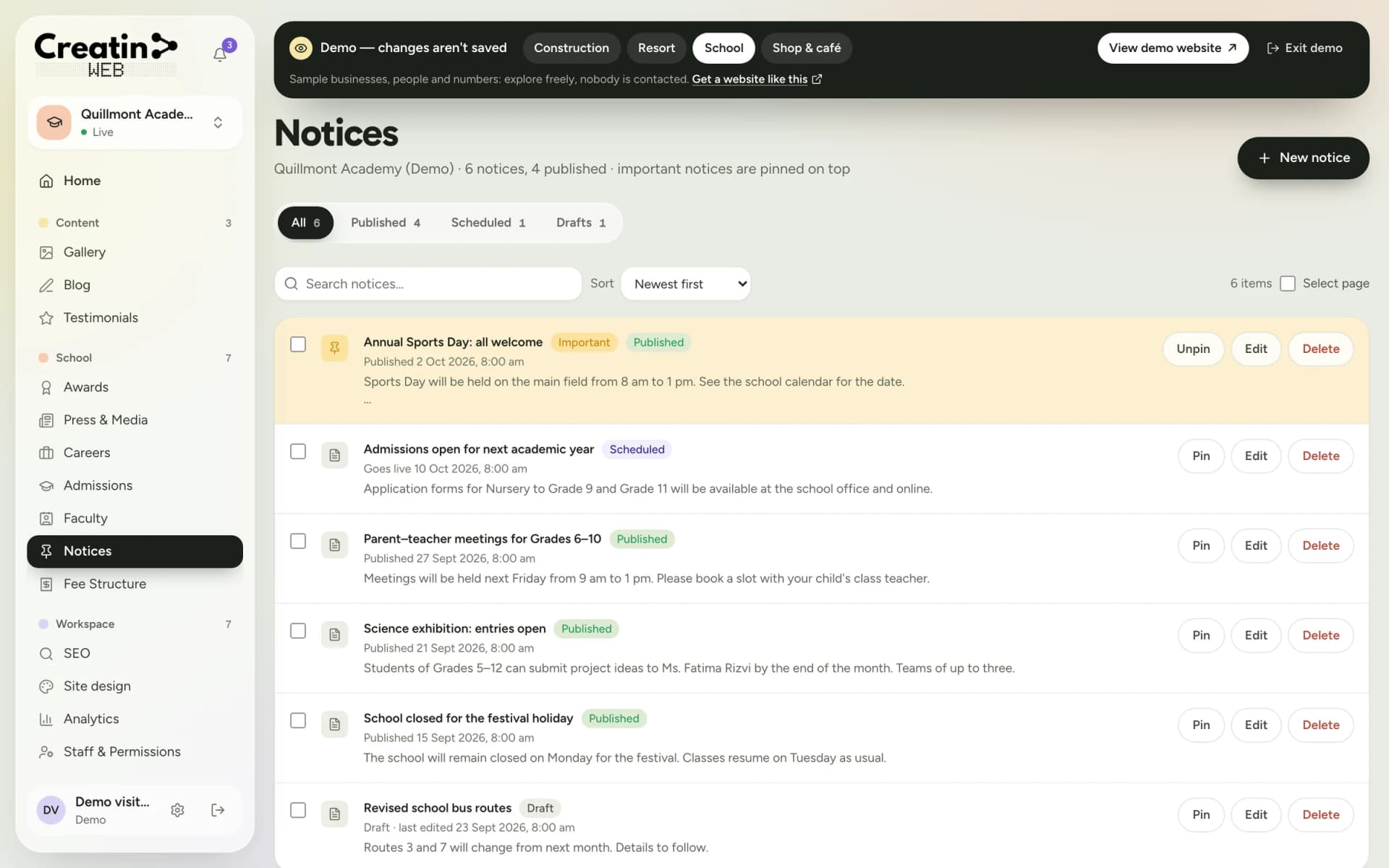
Schemes, trainings, meetings and procurement dates as notices and events, in Kannada or any language members read.
Registration details, the board and the team, member numbers in your words, CSR and partner initiatives, and press.
Your sections
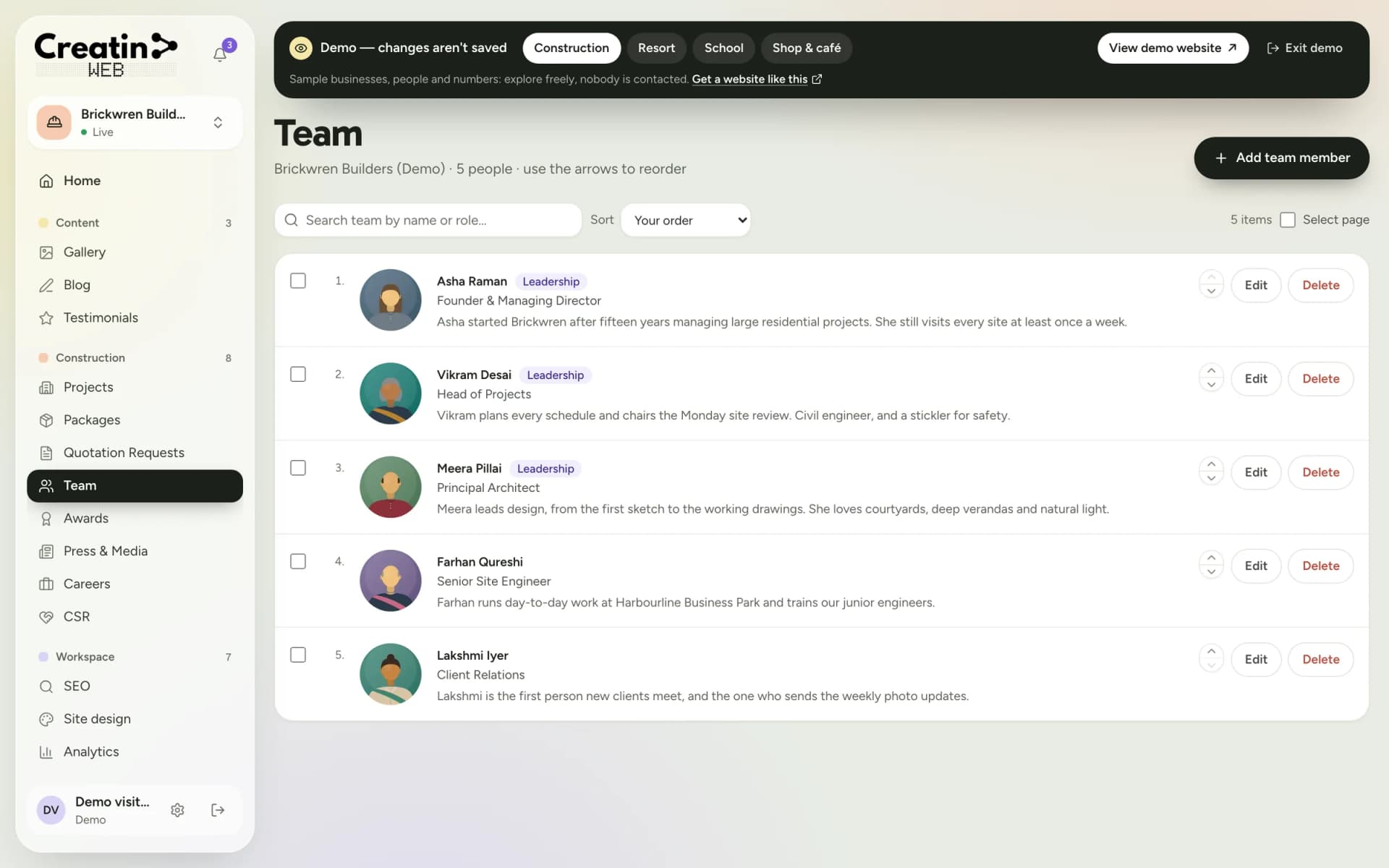
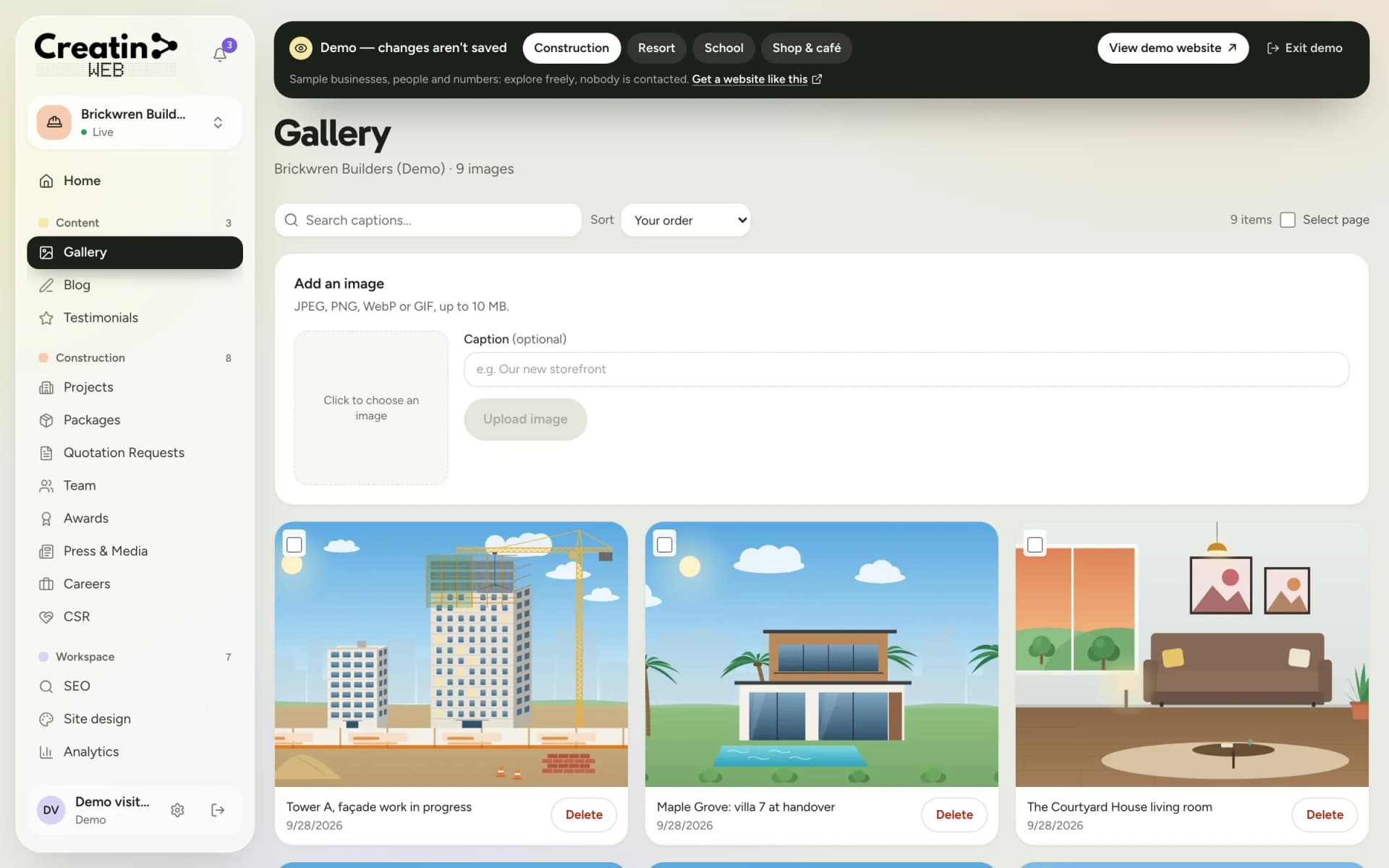
Each one is a section of your dashboard and a part of your public website. They are chosen for your business when the site is built; a gallery, a blog, testimonials, SEO controls, analytics and staff accounts come with every site.
Produce by season and grade.
Buyer enquiries with quantity.
Schemes, meetings, procurement dates.
The board and the office.
Initiatives and partner programmes.
Members, fields, the collection centre.
There is no member login, no e-mandi or online trading and no payment through the website. It presents the organisation, takes buyer enquiries and posts notices; trading runs on the platforms and channels you already use.
See it
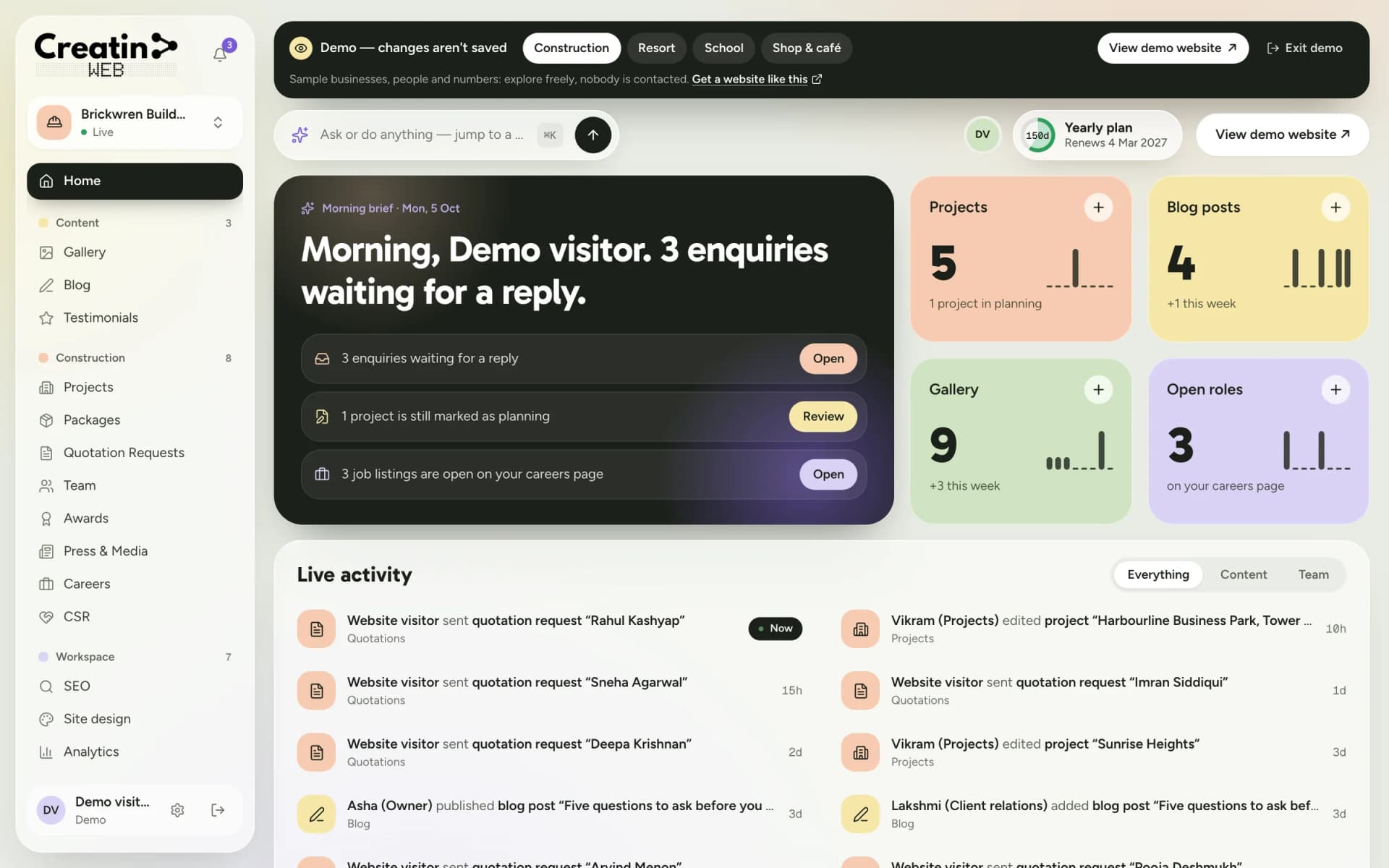
Real screens of the dashboard, filled with sample data. The business in them is not a real one, and not yours; the sections are the ones you would use.
Questions
No. The website has no member login. Notices and schemes are public pages; accounts stay with the office.
They enquire with the produce, the quantity and the delivery point; the office confirms and the trade is done as now.
Yes. Whatever the office types, in Kannada, English or both, is shown as written, and the app posts a notice in a minute.
Yes. The team page lists the board and office bearers, and registration details go on the about page in your words.
Keep reading
Free consultation
No obligation and no sales script. We listen first, then put a price in writing.