
Products & services
What you offer, with fees.
Independent professionals
When the business is you, the website has to do the explaining: what you offer, when you are available, what it costs and what clients say. Creatin Web designs and builds it, and gives you an Android app to keep it current without sitting at a desk.
Enquiries arrive with what the person needs and when, so you reply between appointments.
The problem
Clients piece you together from posts. Nothing says plainly what you do and how to engage you.
The same questions on WhatsApp every day, because the answers are nowhere public.
Thanks arrive as messages and never become the testimonials that bring the next client.
The solution
What you offer, in your words, with a fee or a starting fee and when you are available.
Clients' words, with their permission, shown or hidden with a switch.
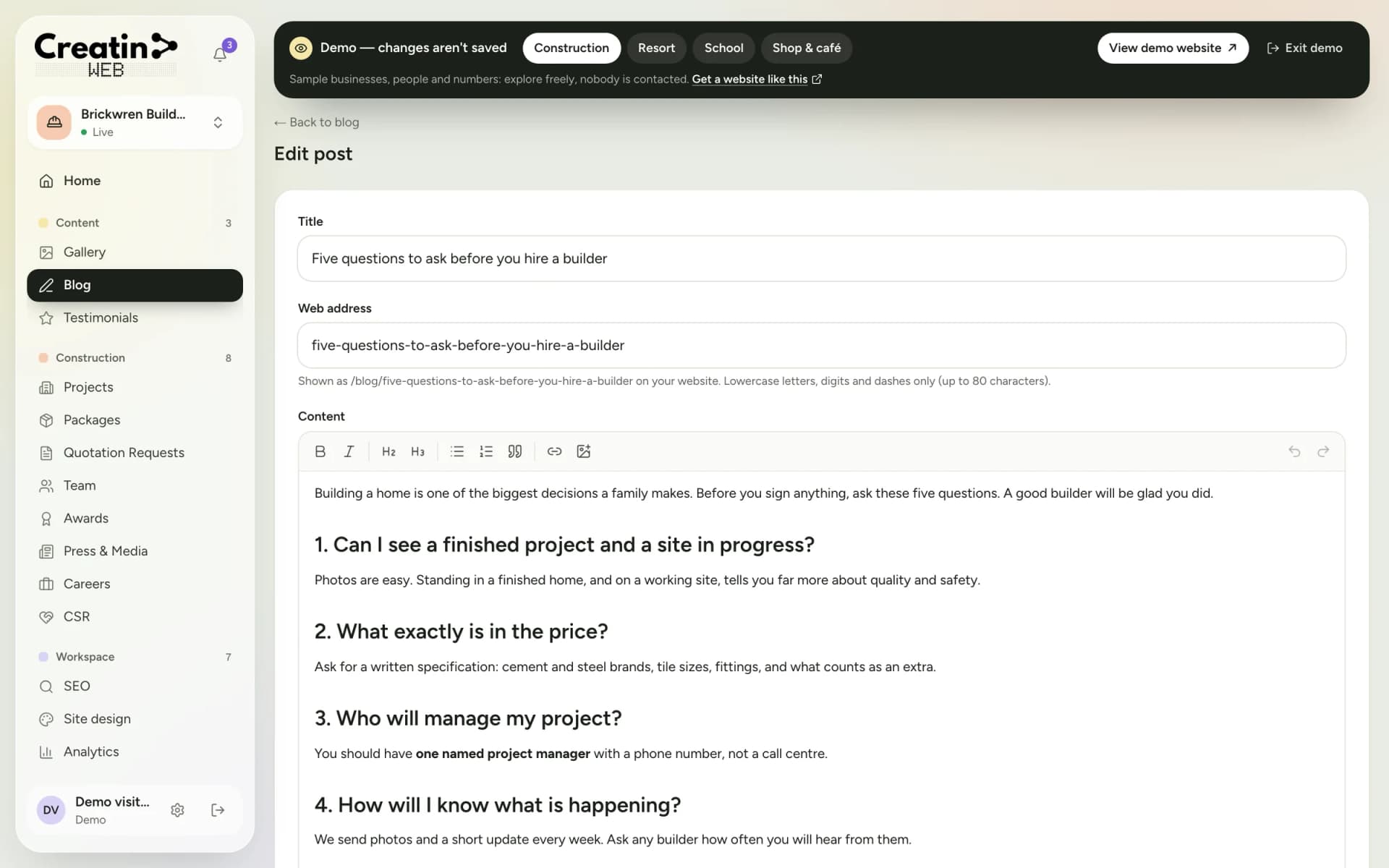
A blog for advice and explainers, each with its own share image.
The form asks what the person needs and when they would like to talk, with a notification on your phone.
Your sections
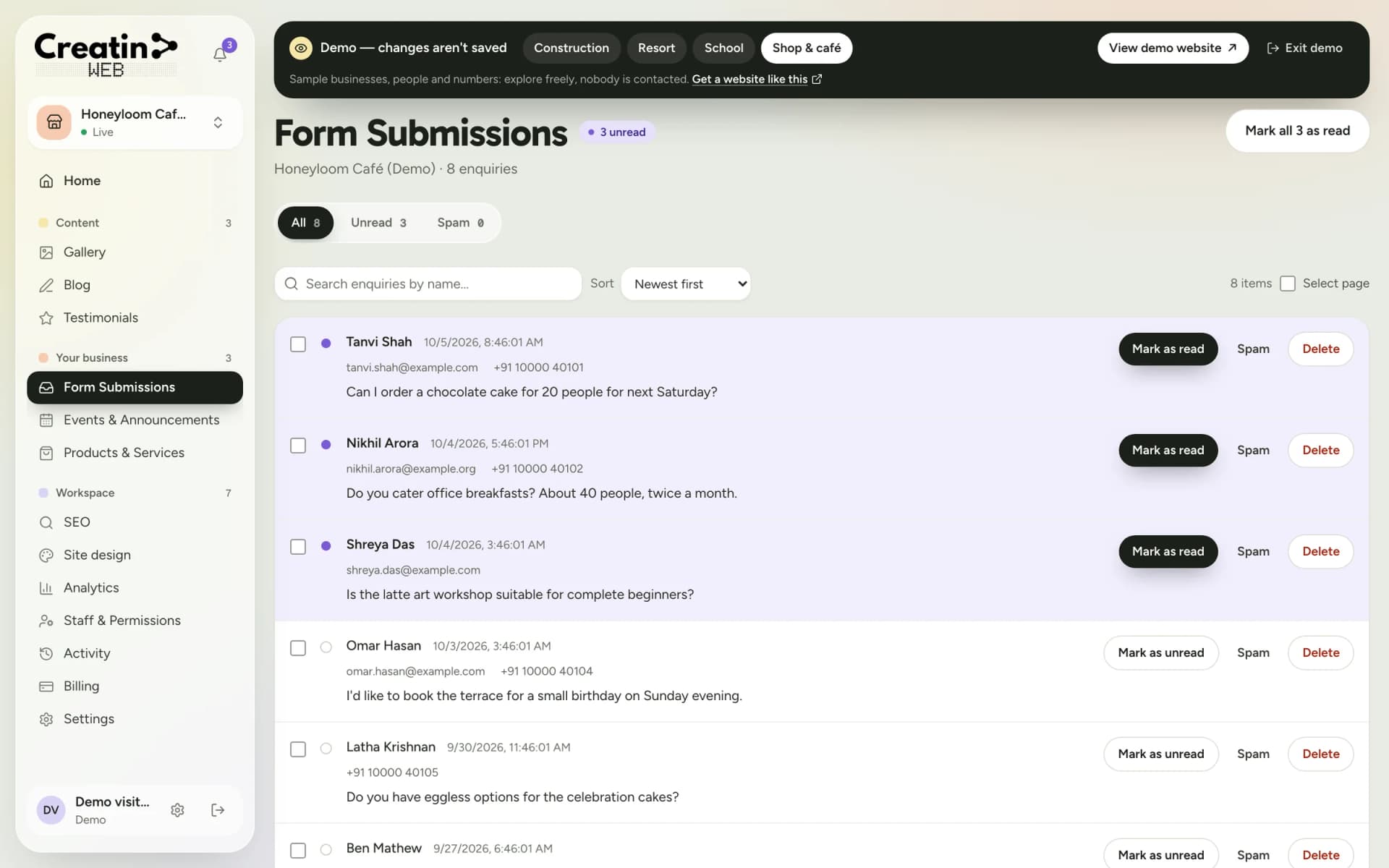
Each one is a section of your dashboard and a part of your public website. They are chosen for your business when the site is built; a gallery, a blog, testimonials, SEO controls, analytics and staff accounts come with every site.
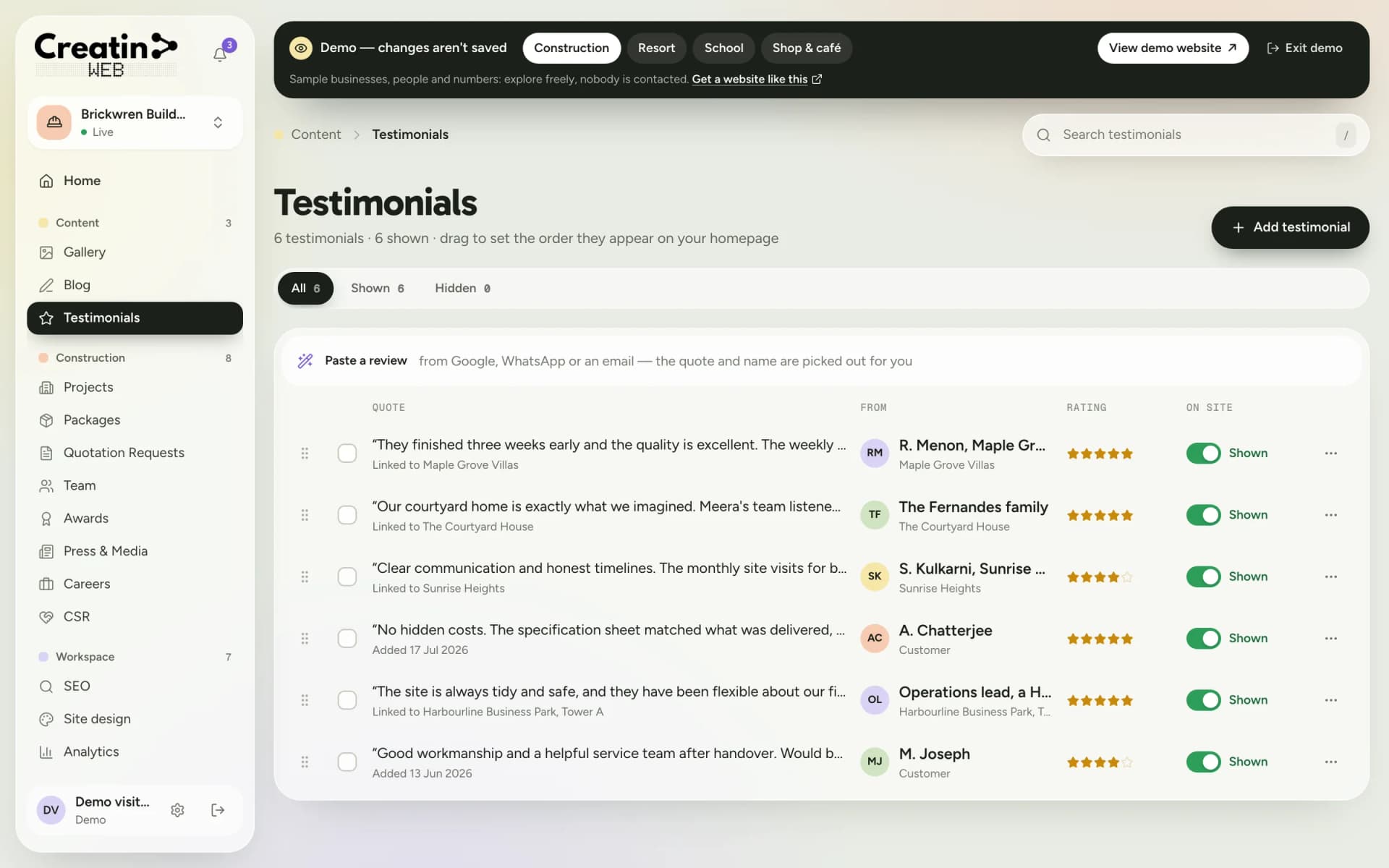
What you offer, with fees.
Clients' words, and a link to your Google reviews.
Articles and advice.
Your work or your space.
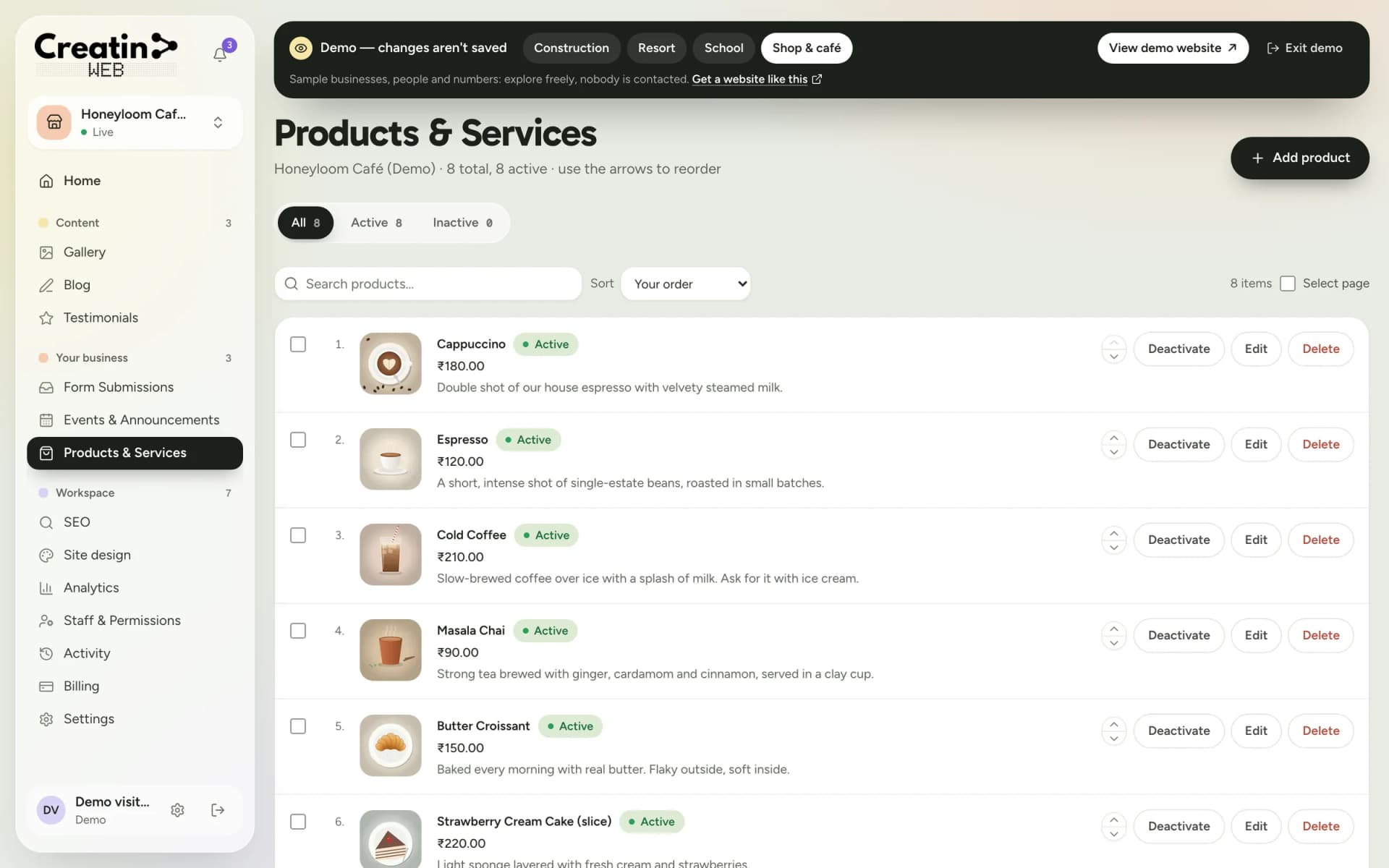
Enquiries with the need and the timing.
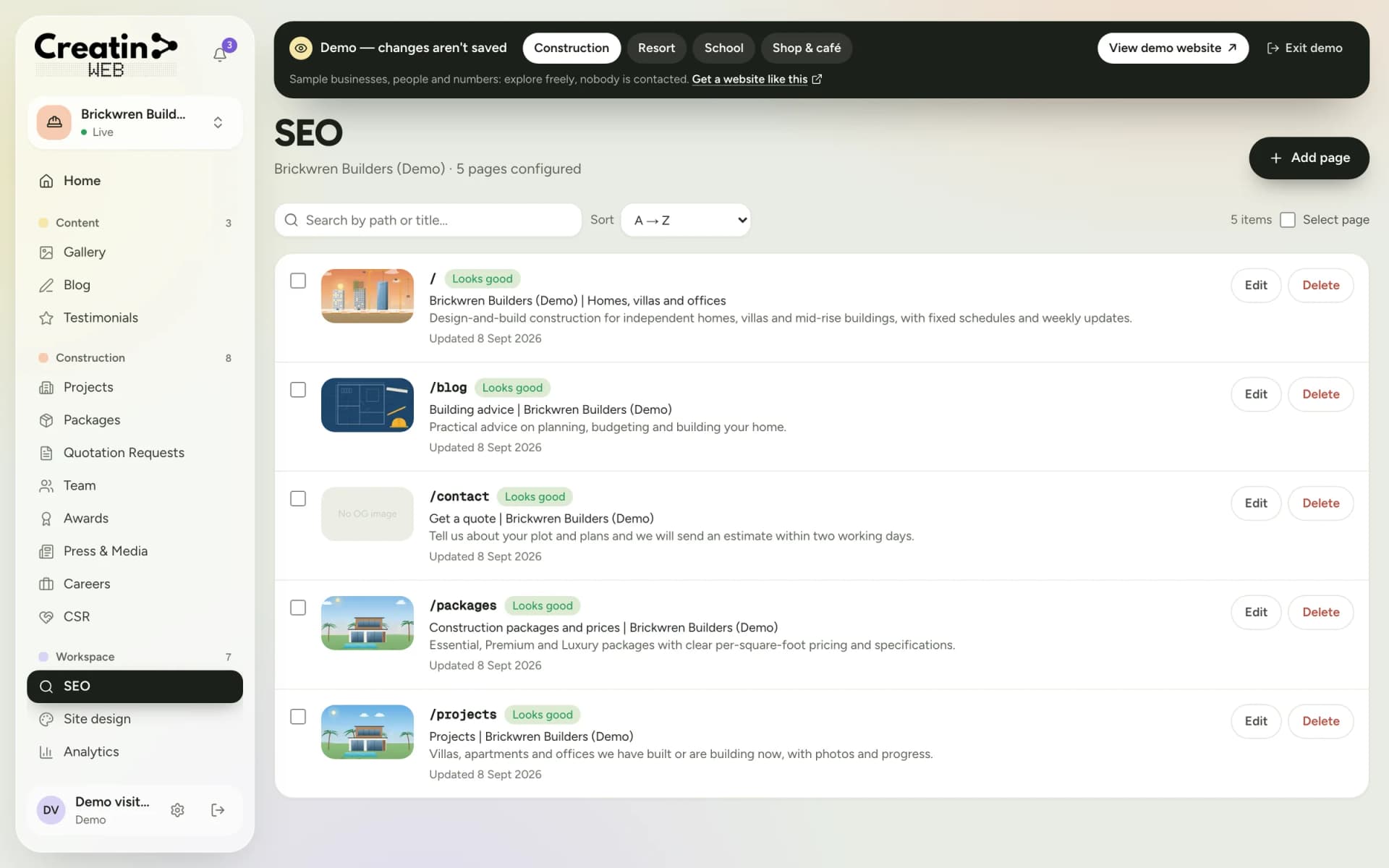
Titles and descriptions for every page, and who visited.
There is no appointment calendar with time slots and no online payment. Enquiries arrive with a notification; you confirm the time and collect the fee as you do now.
See it
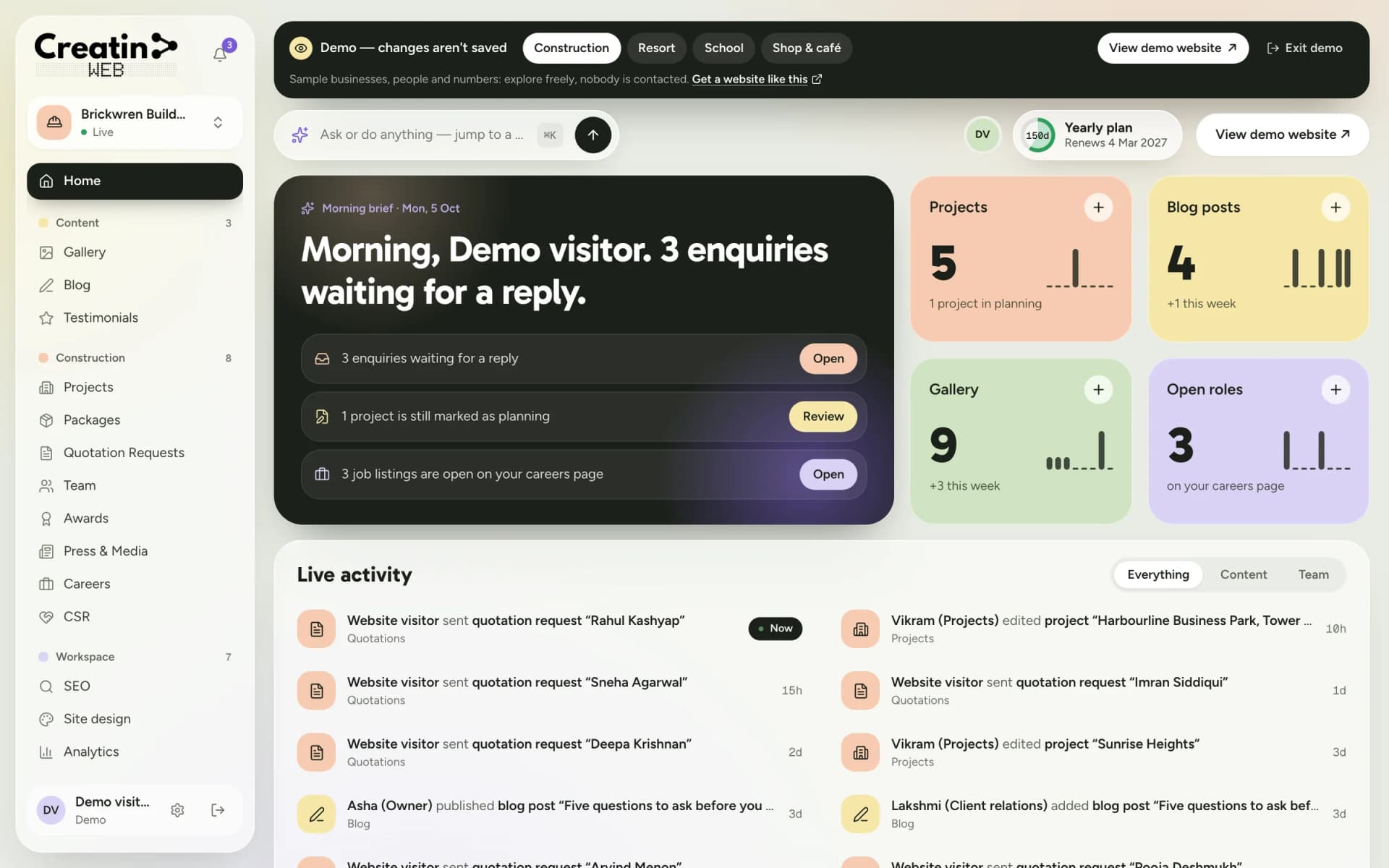
Real screens of the dashboard, filled with sample data. The business in them is not a real one, and not yours; the sections are the ones you would use.
Questions
If people search for what you do, yes. A page that says what you offer, with your fees and timings, answers the questions you now answer one message at a time, and it is found on Google when a social profile is not.
No. The Android app does everything the dashboard does: change a fee, post an article, reply to an enquiry.
Yes. The blog is a section of the dashboard and the app: write, add a photo, publish.
Yes, on the about page and in the certifications section, in your own words.
Keep reading
Free consultation
No obligation and no sales script. We listen first, then put a price in writing.